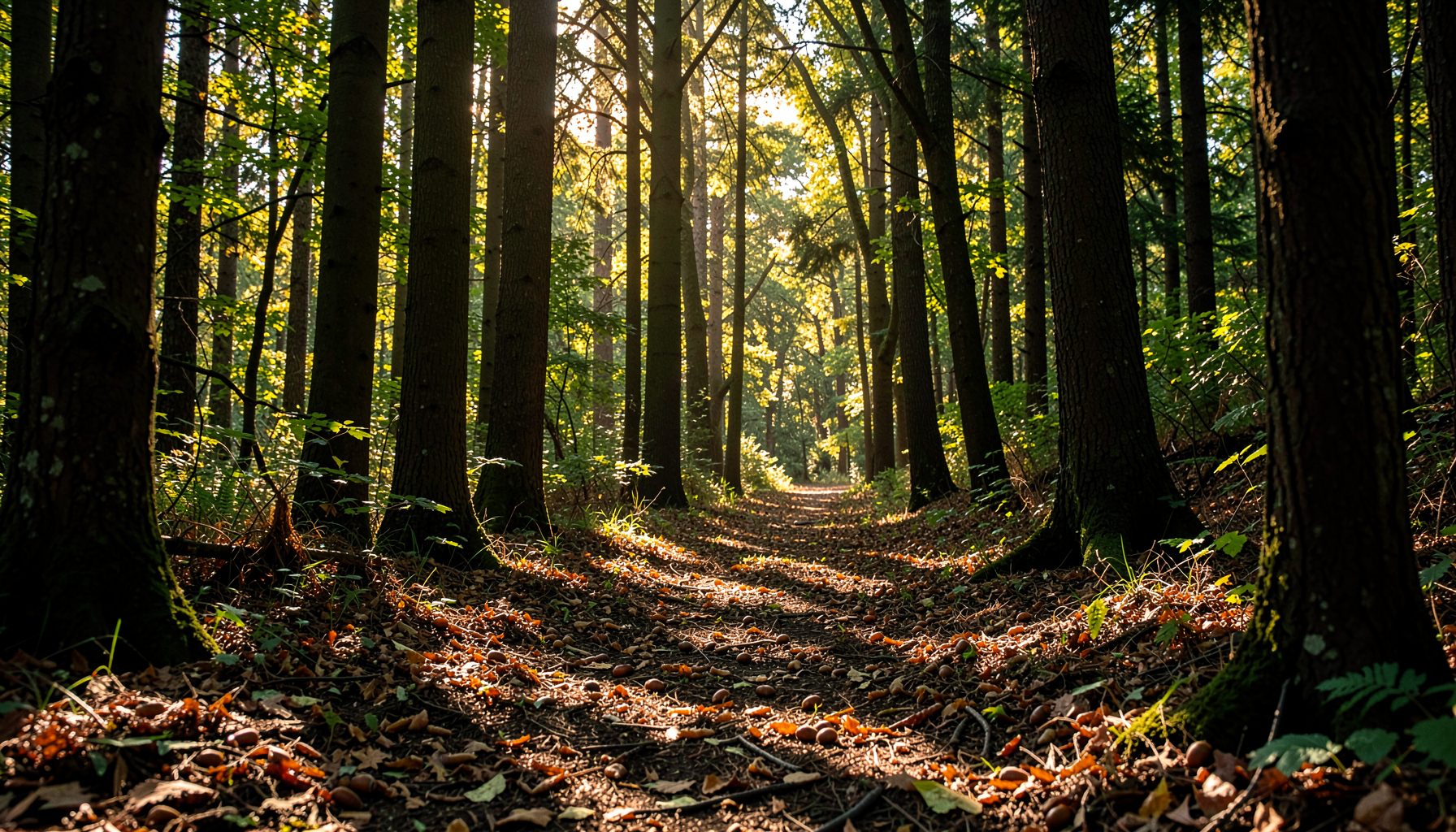
Smarter Tree Identification During Native Seed Collection
Collecting acorns, walnuts, and other native seeds is an active way to support healthier forests and waterways. The quality of each collection begins with correctly identifying the parent tree. A smartphone can place field guides, photographs, maps, and species databases in one convenient tool, helping volunteers make careful decisions while working outdoors.
Tree identification apps are especially useful when leaves, bark, fruit, and growth habits need to be considered together. They can narrow a specimen to several likely species, record where it was found, and preserve photographs for later review. However, an app should support observation rather than replace it. A confident match comes from comparing digital results with reliable field clues and local collection guidance.
For volunteers working across the Potomac River watershed, accurate identification also protects the purpose of the project. Seeds should come from appropriate native trees, collected responsibly and handled according to program instructions. When technology and field knowledge work together, a short walk through a woodland can produce useful information as well as healthy seed for future streamside plantings.
Choose An App That Fits Field Conditions
Different plant identification apps are built for different levels of experience. Some use artificial intelligence to suggest a species from a photograph, while others offer searchable species profiles, botanical illustrations, range maps, and community verification. A beginner may prefer a simple photo-based tool, whereas an experienced collector may benefit from an app with detailed taxonomic filters and observation records.
Before heading into the field, install the app, create an account if necessary, and test it with trees you already know. Photograph an oak, maple, walnut, or sycamore near home and see whether the results are consistent. This trial also reveals whether the app requires an internet connection, limits free identifications, or stores observations in a way that is difficult to access later.
Regional coverage matters. An app may identify a plant accurately at the family level while confusing closely related native and introduced species. Check whether its species profiles include trees found in the Mid-Atlantic and whether photographs show seasonal features. The strongest choice is usually an app that combines image recognition with a searchable field guide and an easy way to save notes.
Prepare Your Phone Before Leaving
A phone is most helpful when its practical limitations have been addressed in advance. Charge the battery fully, clear enough storage for photographs, and download offline species information when the app allows it. A waterproof pouch or resealable bag protects the device from rain, damp leaves, and muddy hands. A small power bank can be useful during a long volunteer session.
Turn on location services if the collection protocol permits recording coordinates. GPS information can help document a seed source and make it easier to revisit a site, but location data should be handled thoughtfully. Follow the instructions of the landowner and organizing program, and avoid publicly sharing precise locations for sensitive habitats or private property.
Set the camera to capture sharp, well-lit images. Wipe the lens, avoid strong glare, and photograph the entire tree before moving closer to individual features. It is also useful to keep a pencil and waterproof notebook available. A phone may lose signal or power, while a handwritten note can preserve the tree’s surroundings, approximate size, and collection details.
Read More Than One Tree Feature
A clear leaf photograph can help an app generate a useful suggestion, but leaf shape alone is rarely enough for a dependable identification. Take several images: the overall crown, a branch with leaves attached, the bark, and any fruit or seed. For deciduous trees, the collection season may offer fewer leaves or changing colors, making bark, buds, twigs, and fallen seed especially important.
Observe how the tree grows. Is it in a wet floodplain, a rocky slope, a field edge, or a mature forest interior? Does it have a single straight trunk or several stems? Are the branches spreading broadly, or does the crown rise narrowly toward the canopy? Habitat and form can distinguish species that appear similar in a single close-up photograph.
Seeds provide valuable evidence, but they should be interpreted alongside the parent tree. An acorn’s size, cap shape, and maturation pattern can support an oak identification, while walnut husks, leaf arrangement, and bark texture add context. Look at multiple seeds rather than relying on one unusual specimen. Insects, disease, weather, or immaturity can alter appearance.
A short refresher on relationships among trees, soils, water, and wildlife can make app results easier to evaluate. New volunteers can review this forest ecology crash course before collecting so that identification is connected to the wider watershed rather than treated as a photo-matching exercise.
Match App Features To Collection Needs
The most useful app is not necessarily the one with the most elaborate interface. During seed collection, speed, offline access, reliable photographs, and organized notes often matter more than social features. Consider how each function will work with gloves, uneven ground, changing light, and limited connectivity.
| App capability | Why it helps during collection | What to verify |
|---|---|---|
| Photo-based identification | Quickly narrows down possible tree species | Whether results include regional native trees |
| Offline field guide | Keeps references available without cell service | Which profiles and images are stored offline |
| GPS and observation map | Records the approximate seed-source location | Permission, privacy, and battery use |
| Multiple-photo records | Preserves bark, leaf, fruit, and whole-tree evidence | Storage limits and export options |
| Personal notes and tags | Connects an identification to collection details | Whether notes can be edited after saving |
| Expert or community review | Offers a second opinion on uncertain specimens | Review quality and expected response time |
Use the app’s confidence score as a prompt for more investigation, not as proof. A high percentage may reflect a visually common species rather than a correct match. If two related trees receive similar rankings, photograph additional features and consult a regional field guide or a knowledgeable coordinator before collecting.
It is also wise to separate identification from collection approval. A phone can suggest that a tree is a black walnut, but local rules may determine whether that tree is suitable for seed gathering. Permission, land ownership, seed maturity, disease concerns, and the program’s target species all remain essential parts of the decision.
Build A Simple Field Workflow
A repeatable sequence prevents rushed identifications. Start by photographing the surrounding habitat and the complete tree from a distance. Then capture close images of leaves, bark, twigs, flowers, fruit, or seeds. Keep the phone steady, take more than one angle, and avoid placing a hand or collection bag over important details.
Run the image through the identification app and record its leading result. Compare that result with a second source, such as a state extension guide, a trusted botanical reference, or a printed regional guide. If the sources disagree, mark the tree as uncertain instead of collecting immediately. A second volunteer can inspect the specimen, and a coordinator can make the final determination.
Once the species is confirmed and the site is approved, save the observation with a consistent name. Useful notes might include “mature white oak beside stream,” “healthy crown,” “acorns beginning to drop,” or “seed collected from ground, not shaken from branches.” These details help explain why the tree was selected and make later sorting more efficient.
Volunteers can find local program information, including participating locations and relevant collection details, through the Growing Native site listings. Reviewing site-specific instructions before arriving helps the phone serve the project instead of distracting from it.
Protect Accuracy And Forest Health
Smartphone identification becomes less reliable when photographs are poor or the tree is outside the app’s expected image set. Wet leaves may reflect light, bark may be hidden by moss, and young trees may look unlike mature examples. Take time to clean the visual evidence before accepting a result. Photographing several nearby individuals of the same apparent species can reveal whether the features are consistent.
Avoid collecting from a tree that appears stressed, diseased, invasive, or difficult to identify. Do not strip all available seed from one individual or damage branches while trying to obtain a perfect sample. Follow the collection limits provided by the program, leave food for wildlife, and use clean containers to reduce the spread of pests or pathogens between sites.
Digital records should remain useful after the field day. Label photographs clearly, synchronize them when a connection is available, and back up important observations. If an app automatically uploads public observations, review the privacy settings before sharing coordinates. A simple record that links species, date, site, habitat, and collector is often more valuable than a large collection of unlabeled images.
Make Every Identification More Reliable
A few deliberate habits can improve both app performance and volunteer confidence:
- Photograph the whole tree, bark, leaves, fruit, and seeds instead of relying on one close-up.
- Compare the app’s suggestion with a regional field guide or a trained coordinator.
- Record habitat, date, location, and tree condition alongside the identification.
- Mark uncertain trees for review rather than collecting from them immediately.
- Protect the phone, conserve battery, and keep a handwritten backup of essential notes.
The goal is not to make every volunteer a botanist in a single afternoon. It is to build a careful process that turns curiosity into dependable observations. Each correctly identified seed source contributes to stronger nursery stock, better streamside restoration, and a clearer understanding of the forests connected to the Potomac watershed.
Bring a charged phone, a trusted identification app, and a willingness to look closely on your next collection outing. Use the technology to notice more, verify carefully, and record the living details that help native forests return. Then put those observations to work by joining a Growing Native seed collection activity and helping gather the next generation of trees.